0 ratings

Item #:
68376059
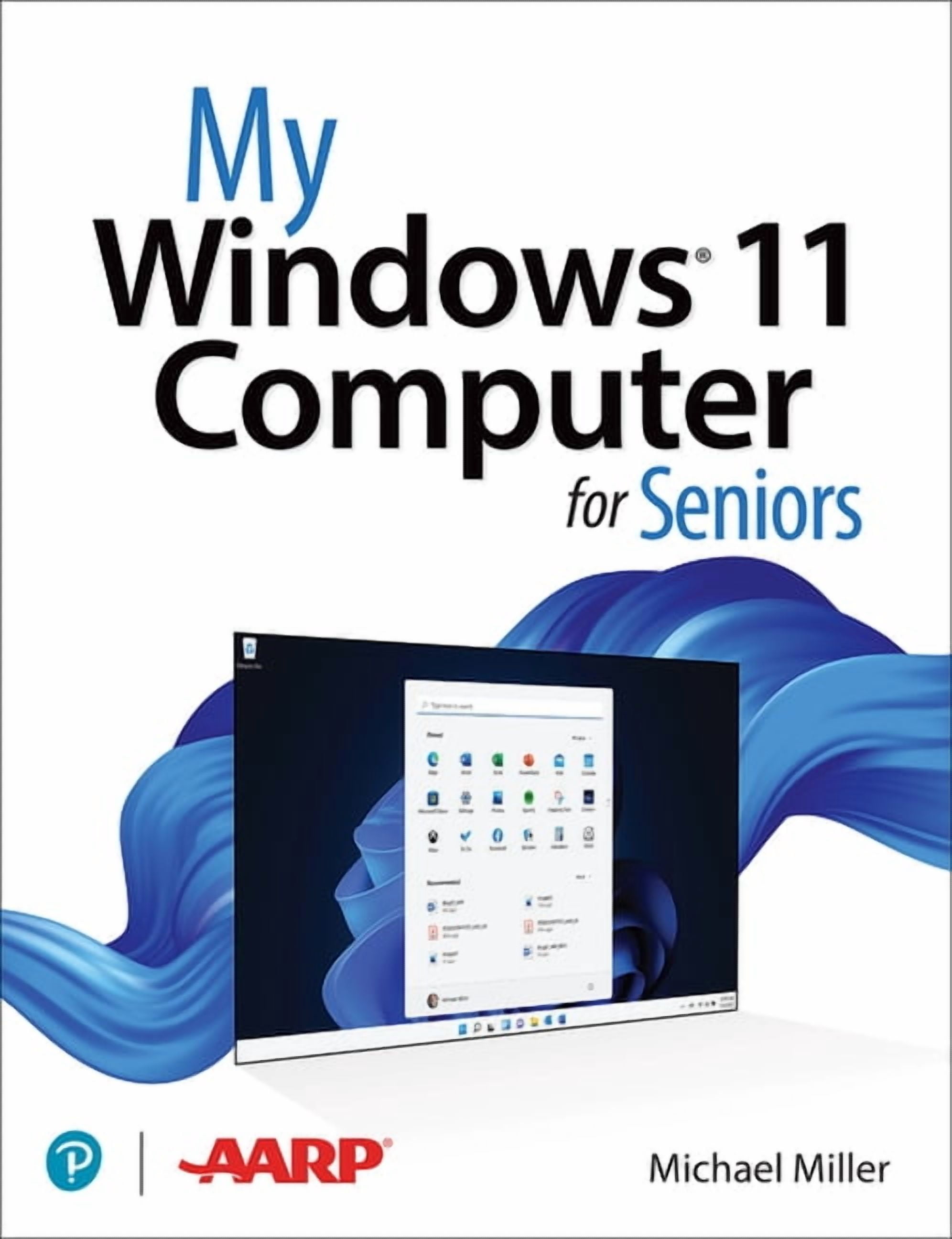
My... My Windows 11 Computer for Seniors, Paperback
Item #:
68376059
USD 44
Price Details
Excluding Shipping & Custom charges ( Shipping and custom charges will be calculated on checkout )
*All items will import from US
0 ratings
Write a review
In stock
 Imported from USA store
QTY:
Order now and get it around Friday, July 10
Secured transaction
Ubuy works hard to protect your security and privacy. Our advanced payment security system ensures confidentiality by encrypting your information during transmission using AES (Advanced Encryption Standards) and SSL (Secure Socket Layer) protocols. Your payment details are 100% secure as we do not share your payment details with third party sellers.
Our Top Logistics Partners


Learn Windows 11 with easy, clear, step-by-step instructions and large, colorful photos to guide you every step of the way!

Fast
Shipping

Free
Return*

Secure Packaging

100% Original Products

PCI DSS Compliance

ISO 27001 Certified


What Stands Out
Senior-Friendly Layout
Designed specifically for seniors, this guide features large fonts and straightforward instructions, making it accessible and easy to follow for those new to Windows 11.
Step-by-Step Instructions
Offers clear, step-by-step instructions that demystify Windows 11, empowering seniors to confidently navigate their devices and perform tasks without frustration.
Visual Aids
Includes helpful visuals and screenshots to reinforce learning, ensuring seniors can visually connect instructions with actions, enhancing their understanding and retention of information.
Product Details
- Easy, full-color tutorial on Microsoft Windows 11 specifically for seniors
- Written by veteran author Michael Miller with a focus on 50+ point of view
- Includes step-by-step instructions and large, full-color photos
- Covers configuring Windows 11 for vision and physical challenges, internet usage, online safety, social media, multimedia, email, file management, and more
- Designed with larger text and images for ease of use by seniors
- Part of the popular My... series tailored for seniors
| Book format | Paperback |
| Fiction/nonfiction | Non-Fiction |
| Genre | Computing & Internet |
| Pub date | 2022-03-14 |
| Pages | 416 |
| Reading level | General |
| Subgenre | Operating Systems |
| Series title | My... |
| Edition | 1 |
| Publisher | Pearson Education |
| Original languages | English |
| Language | English |
| Edu focus | Technology |
| Educational level | General |
| Is collectible | N |
| Editor | John J. Johnston, Scott H. Jackson, Jeffrey Jenkins |
| Retail packaging | Single Piece |
| Assembled product dimensions (l x w x h) | 6.90 x 0.90 x 9.00 Inches (17.5 x 2.3 x 22.9 cm) |
| Assembled product weight | 1.7 lb (770 grams) |
| Bisac subject heading | Computers |
Who Should Buy?

-
Seniors Learning Tech
Ideal for older adults looking to familiarize themselves with Windows 11 in a clear, accessible format.
-
Caregivers and Family
Helpful for caregivers or family members assisting seniors, providing guidance on common tasks with easy-to-follow instructions.
-
Beginner Computer Users
Great for individuals with minimal computer experience needing a gentle introduction to Windows 11 features and functions.

-
Advanced Users
Not suitable for experienced users searching for in-depth technical information or advanced Windows 11 functionalities.
-
Tech-Savvy Teens
Younger users familiar with technology may find the content too simplistic and not challenging enough for their needs.
-
Professionals Seeking Depth
Business or IT professionals requiring comprehensive guides and advanced troubleshooting tips may find this book lacking.
Product Description
My... My Windows 11 Computer for Seniors, Paperback
Have any Query? Chat with us
Customer Questions & Answers
-
Question:
Is this book suitable for beginners?
Answer: Yes, it is designed specifically for seniors and beginners with easy-to-follow instructions. -
Question:
What topics does the book cover?
Answer: It covers everything from connecting to the Internet to using apps and troubleshooting common issues. -
Question:
Are there visual aids in the book?
Answer: Yes, the book includes large, colorful photos on nearly every page to assist with learning.
Michael Miller All Books Editorial Review
No editorial reviews found
Customer Reviews & Ratings
1 customers ratings
-
5 Star
100%
-
4 Star
0%
-
3 Star
0%
-
2 Star
0%
-
1 Star
0%
Review this product
Share your thoughts with other customers
Pros
- Easy-to-understand language
- Step-by-step instructions
- Great for beginners
- Helpful tips for seniors
- Clear illustrations and images
Cons
- Some topics may feel basic for experienced users.
Product Price History
Important information
- Limitations : For products shipped internationally, please note that any manufacturer warranty may not be valid; manufacturer service options may not be available; product manuals, instructions, and safety warnings may not be in destination country languages; the products (and accompanying materials) may not be designed in accordance with destination country standards, specifications, and labeling requirements; and the products may not conform to destination country voltage and other electrical standards (requiring use of an adapter or converter if appropriate). The recipient is responsible for assuring that the product can be lawfully imported to the destination country. When ordering from Ubuy or its affiliates, the recipient is the importer of record and must comply with all laws and regulations of the destination country.
- Not all the products listed on Ubuy are for sale, as Ubuy is a global search engine. Products are subject to export/trade regulations.
USD 44
Order now and get it around Friday, July 10
This item is not restrict in my country.(Please click on above link if this item is not restrict in your country, So our team will review and allow.)
QTY:
Secured transaction
Ubuy works hard to protect your security and privacy. Our advanced payment security system ensures confidentiality by encrypting your information during transmission using AES (Advanced Encryption Standards) and SSL (Secure Socket Layer) protocols. Your payment details are 100% secure as we do not share your payment details with third party sellers.
Our Top Logistics Partners
Fastest cross-border delivery
Features & Benefits
- Step-by-step instructions tailored for seniors.
- Large, full-color photos enhance understanding.
- Covers essential Windows 11 features and updates.
- Helps you stay connected safely online.
- Guides you through using popular apps like Teams and Zoom.
- Addresses common PC problems for better usability.